


Seen on:
RTL4 & SBS6
Seen on:
RTL4 & SBS6


In brief All our brackets are supplied with a standard set of bolts, nuts and other accessories. Newer screens often have different screw hole dim...
View full details

In brief All our brackets are supplied with a standard set of bolts, nuts and other accessories. Newer screens often have different screw hole dim...
View full details

In brief All our brackets are supplied with a standard set of bolts, nuts and other accessories. However, some screens now require different sizes...
View full details

In brief Would you like to create extra space between your television and the wall? With the Wolff Mount spacer set, you can mount your TV safely ...
View full details

In brief Mount your Samsung TV safely and securely with this complete P-ring adapter set for Samsung TVs. This set is specially designed for Samsu...
View full details
Basic set of screws and plugs for stone and concrete walls.


At a glance These P-Ring spacers for Samsung TVs are specially designed to enable safe and stable TV installation. This set of 4 is suitable for m...
View full details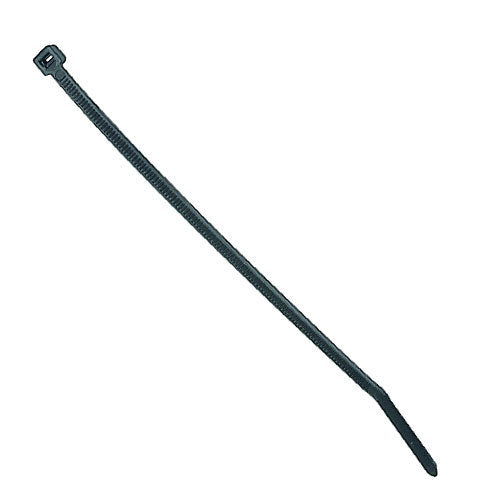
Handy Cable Ties for All Your Cables! Super handy cable ties specially designed for securing your cables. With a quick lock, you can easily install...
View full details

Plaster Anchors Specifically for Mounting on Plasterboard Walls. These high-quality plasterboard anchors are ideal for attaching a flat wall mount...
View full details

Screw mounting kit for Sony W series TV 2x M5x50 screw with spacer 2x M6x55 screw 2x M5 screw 4x washers
For a suitable TV installation, you need screws and any spacers that are compatible with your television and mount. Follow the manufacturer’s specifications: the correct diameter, screw length, and insertion depth are more important than screen size or brand alone.
Check your TV manual to see which thread and screw insertion depth are permitted. When determining the required screw length, allow for the thickness of the mounting plate and any washers or spacers. Screws that are too long can cause damage; screws that are too short may not grip sufficiently. Never force a screw.
A spacer can create space between the screen and mounting plate, for example with recessed mounting points or an uneven back. Only use a combination permitted by the TV and mount manufacturers. A spacer does not change the VESA hole pattern or make an unsuitable mount suitable.
If the TV’s holes do not align with the mount, a suitable VESA adapter or conversion plate may be a solution. Measure horizontally and vertically between the centres of the holes, and check both connections and the load capacity. Also read the guide to VESA sizes.
The screws on the back of your TV serve a different purpose from attaching the mount to the wall. Choose wall fixings based on the wall material, construction, and load. The included plugs are not automatically suitable for every wall. Follow the installation instructions for the TV wall mount, and have the surface assessed if you are unsure.
Ask for advice on your combination and provide the TV model, mount, and wall material.
