


Seen on:
RTL4 & SBS6
Seen on:
RTL4 & SBS6

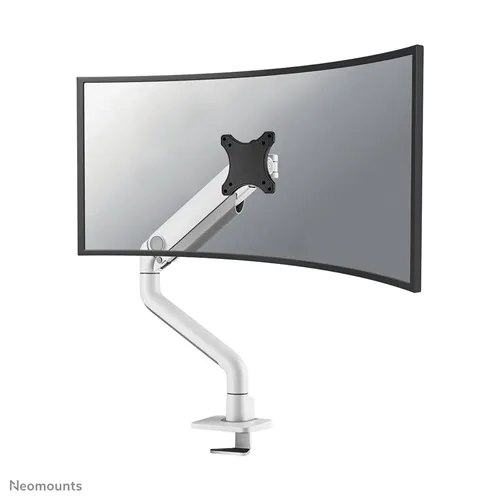
Neomounts DS70S-950WH1 Monitor Arm – Flexible Solution for Screens up to 49” The Neomounts DS70S-950WH1 is a monitor arm with full mobility for scr...
View full details
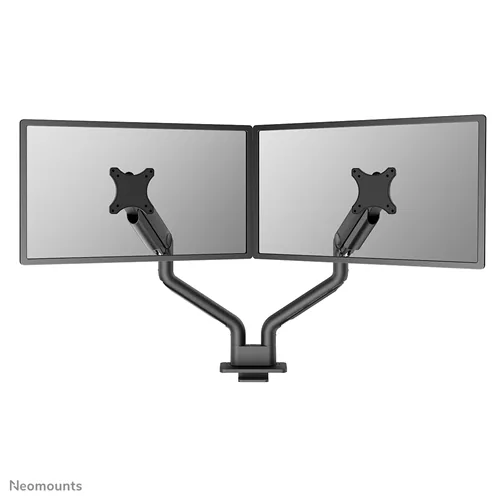
The Neomounts DS70S-950BL2 NEXT One is a robust full motion monitor arm, designed to support two screens from 17" to 35". This versatile monitor ar...
View full details
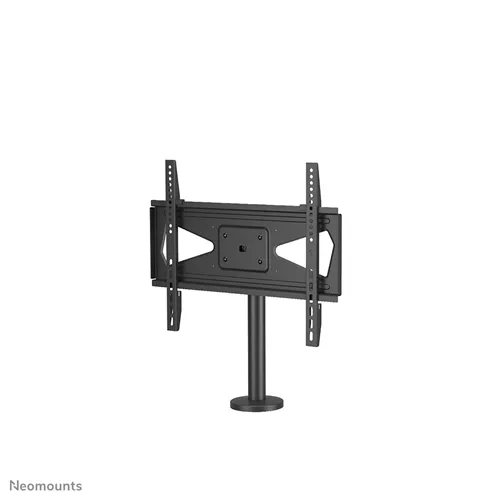
The Neomounts DS42-430BL14 is a universal TV stand for desk mounting, suitable for screens up to 55 inches and with a load capacity of 50 kg. This ...
View full details

In brief The TVB-124 is a high-quality, super-heavy-duty monitor arm specially designed for large and ultrawide screens. Thanks to its robust cons...
View full details

The Barkan BM300R is a versatile TV wall mount that allows you to easily rotate your television 360°. This lets you use the screen in both horizont...
View full detailsChoose a mount that suits your device and where you use it. A monitor arm, a freestanding riser and a tablet holder have different mounting options and functions. Below, you’ll find the right product category for your needs.
With a desk monitor arm, you can mount a compatible screen using a clamp, grommet or other model-specific attachment. Check the VESA size, screen weight, and the thickness and construction of your desktop. Looking for wall mounting? Browse the monitor wall mounts.
Want to keep your existing monitor stand and raise the screen? Choose a monitor riser. Measure how much extra height you need and check whether the stand fits entirely on the platform.
Choose a tablet holder based on your tablet’s actual dimensions and thickness, including its case if applicable. Also check that the buttons, charging port and camera remain accessible. Then decide whether you need a desk mount, wall mount or floor stand.
For a comfortable setup, screen height and easy access to your keyboard and mouse are important. Browse our solutions for an ergonomic workspace or a sit-stand workstation if you want to change positions while working.
First, check your device’s exact model number and mounting specifications. A VESA adapter can bridge a difference in mounting patterns for compatible combinations. The adapter does not change the mount’s load capacity.
